
Experiment Browser for TOPAZ#
This tutorial demonstrates how to use the garnet experiment browser to navigate IPTS data for the TOPAZ instrument.
Step 1: Launch the Experiment Browser#
The experiment browser can be launched from within NeuXtalViz or as a standalone utility.
It connects to the ONCat data archive to list available experiments.
Step 2: Connect to Data Archive#
Ensure you have an active internet connection to access the ONCat archive.
Enter your credentials if prompted to authenticate with the data archive.
Once connected, the browser will display a list of available instruments.
Step 3: Select Instrument#
Choose TOPAZ from the instrument drop-down menu.
The browser will populate with available IPTS experiments.
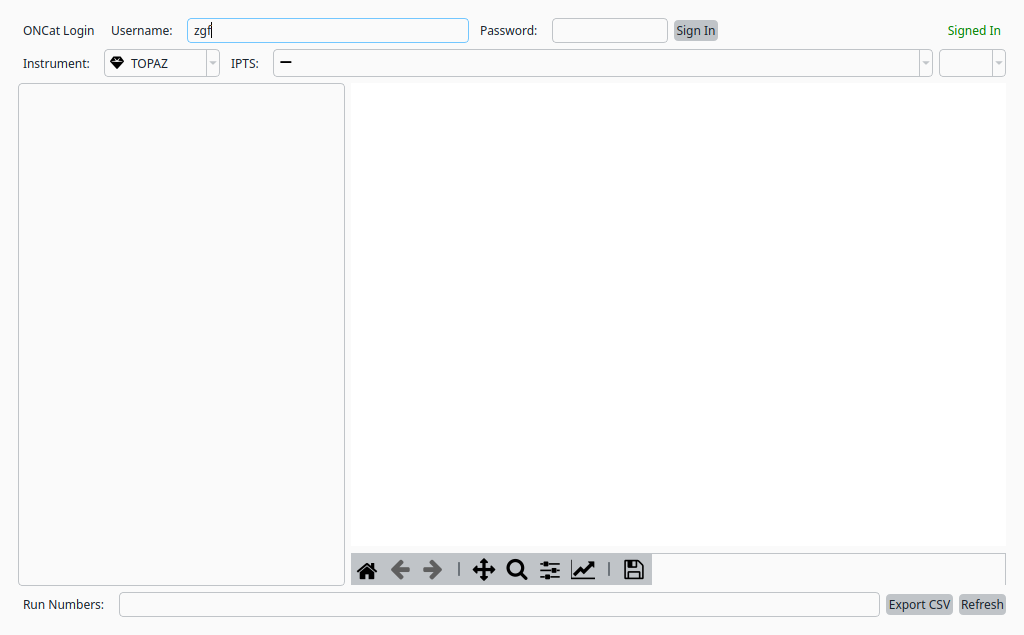
Experiment browser with TOPAZ instrument selected.#
Step 4: Navigate Experiments#
Browse available IPTS numbers and run ranges.
Select IPTS-31856 from the IPTS drop-down to load its data files.
The run list and goniometer plot will populate automatically.
Use the browser to locate run numbers for loading into the reduction pipeline.
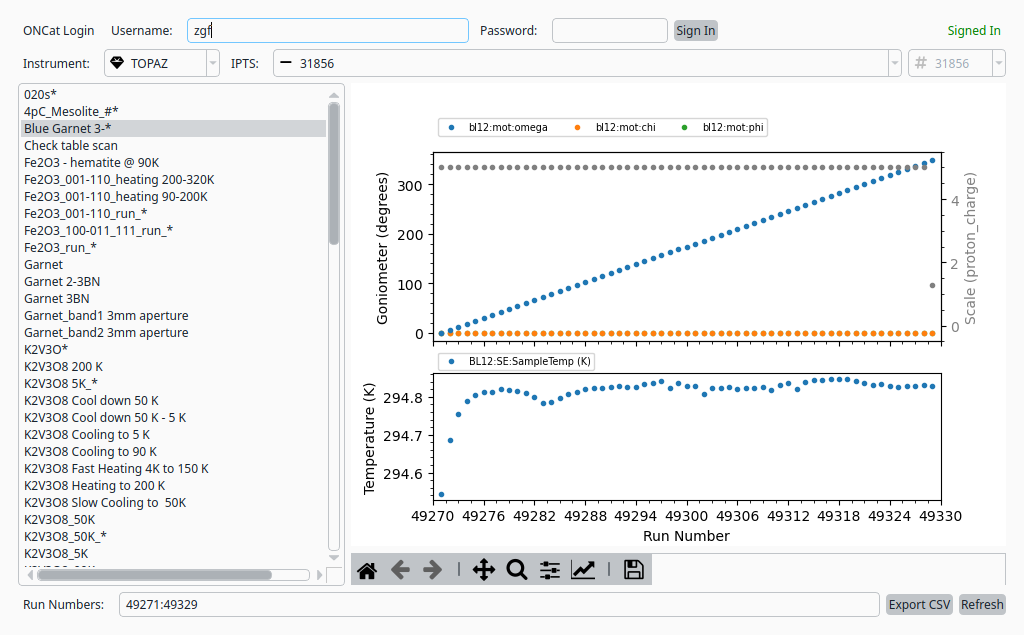
Experiment browser with IPTS-31856 loaded.#